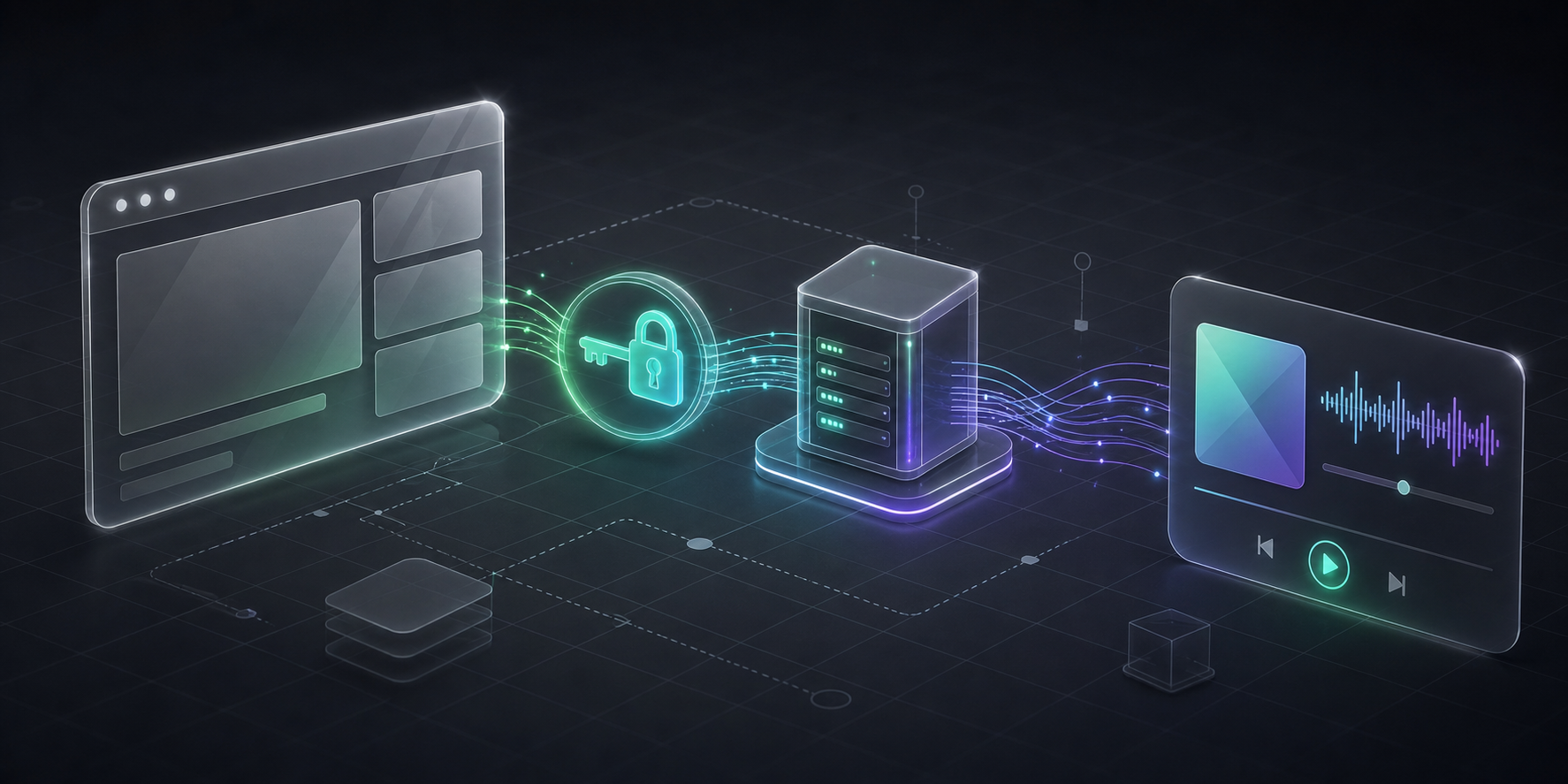
I wanted my portfolio to feel alive without turning it into a dashboard full of distractions. A small floating player seemed like a good fit: show the track I am currently listening to, display its progress and album artwork, then disappear completely when playback stops.
That modest feature is a useful Spotify Web API project because it crosses several real engineering boundaries: OAuth, expiring credentials, server-only secrets, third-party failure states, rate limits, polling, responsive UI, and content-usage rules.
This guide explains the complete architecture I used, with a production-minded Next.js example that you can adapt for a portfolio, personal dashboard, listening journal, or another user-authorized project.
This is a metadata integration, not an audio-streaming implementation. The Web API tells the interface what is playing; it does not send the song audio to the browser.
What can you build with the Spotify Web API?
Spotify exposes catalog data and user-authorized resources through its Web API. The right use case depends on the scopes a user grants and the endpoints available to your app.
| Project idea | Useful capability | Good fit |
|---|---|---|
| Portfolio now-playing widget | Current track, artist, progress, and artwork | A personal site that stays quiet when nothing is playing |
| Personal listening dashboard | Playback state and recently played items | Private dashboards and quantified-self experiments |
| Listening journal | Recently played tracks saved with personal notes | Learning projects that combine APIs with a database |
| Playlist utility | Read or modify user playlists with consent | Curation, cleanup, and organization tools |
| Music discovery interface | Search and catalog metadata | Artist, album, and track exploration experiences |
Not every endpoint is available to every new application or quota mode. Spotify changed access to several endpoints for new use cases in November 2024 and revised its extended-access criteria in May 2025. Check the current reference for the endpoint you plan to use before designing the product around it. Spotify also restricts commercial streaming integrations, downloading, altering, synchronizing, and broadcasting Spotify content; the currently playing endpoint documents the applicable policy notes.
The architecture: keep Spotify credentials off the client
The browser should never receive a Spotify client secret or refresh token. Instead, it calls a server endpoint owned by the project. That endpoint refreshes the short-lived access token, requests playback data from Spotify, and returns only the fields the interface needs.
Browser UI
  -> GET /api/spotify
      -> POST accounts.spotify.com/api/token
      -> GET api.spotify.com/v1/me/player/currently-playing
  <- normalized now-playing state
This boundary gives the UI a small, stable contract even if Spotify's upstream response is much larger:
type NowPlaying = {
  active: boolean;
  trackName: string;
  artistName: string;
  albumArtUrl: string;
  trackUrl: string;
  progressMs: number;
  durationMs: number;
  fetchedAt: number;
};
Next.js Route Handlers are a natural fit because they use standard Request and Response APIs while running on the server. The Next.js Route Handler documentation covers the supported methods and runtime configuration.
Choose the correct Spotify OAuth flow
Spotify implements OAuth 2.0 and recommends different authorization flows for different kinds of clients:
- Use Authorization Code flow when a server can safely hold the client secret.
- Use Authorization Code with PKCE for browser-only, desktop, or mobile clients that cannot protect a secret.
- Use Client Credentials only for app-level data; it cannot authorize access to a user's currently playing track.
For a Next.js portfolio with a server route, Authorization Code flow is the clearest choice. Spotify's authorization overview explains the decision, while the Authorization Code tutorial covers the initial consent and callback exchange. If your project has no trusted server, follow the PKCE tutorial instead.
The now-playing feature needs this scope:
user-read-currently-playing
During the one-time authorization step, request only the scopes the feature actually needs. The callback exchanges the authorization code for an access token and a refresh token.
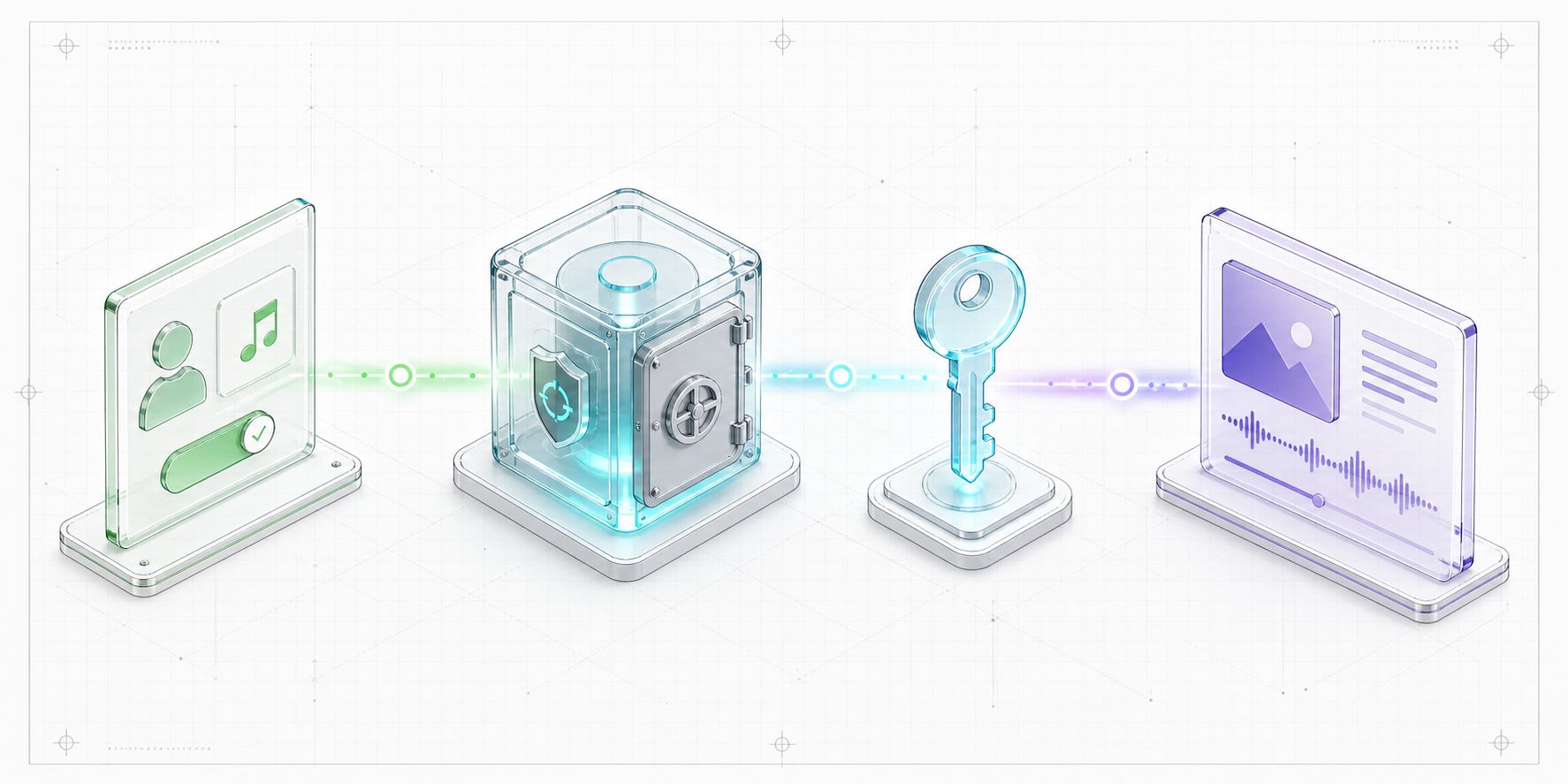
Spotify access tokens last one hour. Its current refresh-token guidance also says refresh tokens issued to Developer Dashboard apps have a six-month lifetime, and refreshing an access token does not extend that lifetime. Build a reauthorization path instead of assuming the integration will remain authorized forever. See Spotify's refreshing tokens guide for the current lifecycle and invalid_grant behavior.
Store credentials as server-only environment variables
Place the credentials in .env.local during development and in your deployment provider's encrypted environment settings for production:
SPOTIFY_CLIENT_ID=your_client_id
SPOTIFY_CLIENT_SECRET=your_client_secret
SPOTIFY_REFRESH_TOKEN=your_refresh_token
Do not prefix these names with NEXT_PUBLIC_. Next.js bundles variables with that prefix into browser JavaScript. Its environment variable guide also recommends keeping local environment files out of version control.
Refresh the access token on the server
The token request uses HTTP Basic authentication with the client ID and secret, plus a form-encoded refresh grant. A small in-memory cache avoids refreshing the access token for every poll on a warm server instance.
type TokenResponse = {
  access_token: string;
  expires_in: number;
};

let tokenCache: { value: string; expiresAt: number } | undefined;

async function getAccessToken() {
  if (tokenCache && Date.now() < tokenCache.expiresAt - 60_000) {
    return tokenCache.value;
  }

  const clientId = process.env.SPOTIFY_CLIENT_ID;
  const clientSecret = process.env.SPOTIFY_CLIENT_SECRET;
  const refreshToken = process.env.SPOTIFY_REFRESH_TOKEN;

  if (!clientId || !clientSecret || !refreshToken) {
    throw new Error("Spotify credentials are not configured");
  }

  const response = await fetch("https://accounts.spotify.com/api/token", {
    method: "POST",
    headers: {
      Authorization: `Basic ${Buffer.from(`${clientId}:${clientSecret}`).toString("base64")}`,
      "Content-Type": "application/x-www-form-urlencoded",
    },
    body: new URLSearchParams({
      grant_type: "refresh_token",
      refresh_token: refreshToken,
    }),
    cache: "no-store",
  });

  if (!response.ok) {
    throw new Error(`Spotify token refresh failed: ${response.status}`);
  }

  const token = (await response.json()) as TokenResponse;
  tokenCache = {
    value: token.access_token,
    expiresAt: Date.now() + token.expires_in * 1000,
  };

  return token.access_token;
}
An in-memory cache is only a best-effort optimization in serverless deployments because instances do not share memory and may be replaced. A high-traffic application should use a shared cache or token store rather than depending on module state.
Create the currently playing Route Handler
The endpoint returns progress_ms, is_playing, and a nullable item. For a track, the item contains its duration, artists, album images, and Spotify URL. The Get Currently Playing Track reference is the source of truth for the response and required scope.
import { NextResponse } from "next/server";

export const runtime = "nodejs";
export const dynamic = "force-dynamic";

type SpotifyTrack = {
  type: "track";
  name: string;
  duration_ms: number;
  artists: Array<{ name: string }>;
  album: { images: Array<{ url: string }> };
  external_urls: { spotify: string };
};

type PlaybackResponse = {
  is_playing?: boolean;
  progress_ms?: number | null;
  item?: SpotifyTrack | { type?: string } | null;
};

const inactive = (reason: string) => ({
  active: false,
  reason,
  trackName: "",
  artistName: "",
  albumArtUrl: "",
  trackUrl: "",
  progressMs: 0,
  durationMs: 0,
  fetchedAt: Date.now(),
});

export async function GET() {
  try {
    const accessToken = await getAccessToken();
    const response = await fetch(
      "https://api.spotify.com/v1/me/player/currently-playing",
      {
        headers: { Authorization: `Bearer ${accessToken}` },
        cache: "no-store",
      },
    );

    // Treat an empty upstream response as a normal inactive state.
    if (response.status === 204) {
      return NextResponse.json(inactive("NO_ACTIVE_PLAYBACK"));
    }

    if (response.status === 429) {
      const retryAfter = response.headers.get("Retry-After");
      return NextResponse.json(inactive("RATE_LIMITED"), {
        status: 503,
        headers: retryAfter ? { "Retry-After": retryAfter } : undefined,
      });
    }

    if (!response.ok) {
      throw new Error(`Spotify playback request failed: ${response.status}`);
    }

    const playback = (await response.json()) as PlaybackResponse;
    const item = playback.item;

    if (!playback.is_playing || !item || item.type !== "track") {
      return NextResponse.json(inactive("NOT_PLAYING_A_TRACK"));
    }

    const track = item as SpotifyTrack;

    return NextResponse.json({
      active: true,
      trackName: track.name,
      artistName: track.artists.map((artist) => artist.name).join(", "),
      albumArtUrl: track.album.images[0]?.url ?? "",
      trackUrl: track.external_urls.spotify,
      progressMs: playback.progress_ms ?? 0,
      durationMs: track.duration_ms,
      fetchedAt: Date.now(),
    });
  } catch (error) {
    console.error("Spotify now-playing sync failed", error);
    return NextResponse.json(inactive("SPOTIFY_UNAVAILABLE"));
  }
}
The important design choice is not the endpoint itself. It is converting upstream outcomes into explicit local states. Paused playback, missing credentials, expired authorization, rate limiting, and a network failure should not all look like the same mysterious blank card.
Poll slowly and animate progress locally
A progress bar does not require an API request every second. Fetch playback state at a moderate interval—30 seconds is a practical starting point for a non-critical personal widget—then advance the displayed progress locally from fetchedAt.
const estimatedProgress = Math.min(
  nowPlaying.durationMs,
  nowPlaying.progressMs + (Date.now() - nowPlaying.fetchedAt),
);
Re-sync when the page becomes visible again, stop polling when the component unmounts, and back off after errors. If the route serves many visitors but always displays one account, cache the normalized playback response server-side so every visitor does not create a separate Spotify request.
Spotify calculates its API-wide limit over a rolling 30-second window. A 429 response normally includes a Retry-After header, which clients should respect. Spotify documents these behaviors and mitigation strategies in its rate-limit guide.
Hide inactive UI instead of inventing activity
For this portfolio, the floating player renders only when active is true. When music stops, it leaves no empty shell behind. While active, the interface can show:
- album artwork;
- track and artist names;
- an informational progress bar;
- animated equalizer bars that move only during playback;
- a direct link to the track on Spotify.
That last item is not just useful UX. Spotify's Design and Branding Guidelines require attribution and links back to Spotify when its metadata or artwork is displayed. The same guidelines say not to crop, blur, animate, distort, or overlay album artwork, and specify rounded corners for different display sizes.
Use the official Spotify brand asset supplied by Spotify, keep the returned metadata legible and unmodified, display artwork with object-fit: contain, and make the progress bar clearly informational rather than seekable unless you have implemented an authorized playback control.
Common Spotify API integration mistakes
Exposing secrets in browser code
Anything prefixed with NEXT_PUBLIC_ is not secret. Keep the client secret and refresh token in a server route or secure backend.
Using Client Credentials for personal playback data
Client Credentials identifies the application, not a Spotify user. A currently playing widget needs user authorization through Authorization Code or PKCE.
Treating a refresh token as permanent
Current Spotify documentation gives Developer Dashboard refresh tokens a six-month lifetime. Handle invalid_grant, record authorization health, and make reauthorization straightforward.
Polling once per progress update
Playback progress can be estimated locally between occasional synchronization requests. Per-second polling wastes quota without making the UI meaningfully more accurate.
Returning the raw Spotify response to the browser
Normalize the payload. A smaller local contract reduces accidental data exposure and isolates the component from upstream response changes.
Using album art as a decorative background
Cropping, overlays, distortion, and animation conflict with Spotify's artwork rules. Treat supplied artwork as licensed content, not as a texture.
Forgetting the inactive state
No active track is normal. A portfolio should keep working even when Spotify is paused, unavailable, or no longer authorized.
Is the Spotify Web API right for your project?
It is a strong fit when the project benefits from user-authorized metadata, playlists, listening context, or a companion interface. It is not a shortcut for downloading audio, building unrestricted commercial streaming, or republishing Spotify content without attribution.
For a portfolio, the value is larger than the widget. The integration demonstrates that you can work across OAuth, server security, response normalization, state modeling, rate-aware clients, motion, and third-party policy constraints. A tiny now-playing card becomes a compact systems-design exercise.
Frequently asked questions
Can I get the currently playing track with only a client ID and secret?
No. Currently playing data belongs to a user and requires user authorization with the user-read-currently-playing scope. Client Credentials does not grant access to user resources.
Should I use Authorization Code or PKCE with Next.js?
Use Authorization Code when a trusted Next.js server can safely store the client secret. Use PKCE when the application is entirely public-client code and cannot protect a secret.
How often should a now-playing widget call Spotify?
Spotify does not prescribe one universal polling interval. For a personal display, 30 seconds plus local progress estimation is a reasonable starting point. Increase the interval, pause hidden tabs, cache shared results, and honor Retry-After after a 429.
Can I display Spotify album artwork in my project?
Yes, but follow Spotify's current design rules: use the supplied artwork, keep it unmodified and uncropped, use the required corner treatment and Spotify attribution, and link the metadata or artwork back to Spotify.
Does this implementation play music?
No. It reads playback metadata and progress. If your product needs playback, evaluate Spotify's Web Playback SDK separately and review the platform, account, commercial-use, and design requirements before implementation.
Sources and further reading
- Spotify Web API authorization
- Spotify Authorization Code flow
- Spotify Authorization Code with PKCE
- Spotify refresh-token lifecycle
- Get Currently Playing Track reference
- Spotify Web API rate limits
- Spotify Design and Branding Guidelines
- Spotify Web API changes for new use cases
- Spotify extended-access criteria update
- Next.js Route Handlers
- Next.js environment variables
Image note: both illustrations were generated specifically for this article. They contain no third-party stock photography, Spotify logo, real album artwork, or artist imagery.